QRCraft
QR Experience Builder
Built to scan fast.
Designed to feel premium.
QRCraft gives teams a cleaner way to create website, WiFi, contact, email, and campaign QRs with stronger visual confidence and a calmer workflow.
Instant readability
Balanced contrast and layout choices tuned for quick camera pickup.
One workspace flow
Create, edit, export, and track from the same dashboard rhythm.
Fast to launch
A cleaner decision path so teams can move from idea to print faster.
Live Preview
Real layouts, ready for print
Now featuring
Visit Website
A clean website QR for posters, packaging, and storefront discovery.
Everything You Need
A simple workflow, strong defaults, and the essentials teams actually use every day.
Rich Data Types
URL, WiFi, vCard, Email, SMS - one powerful editor.
Advanced Styling
Dot shapes, corner styles, gradients, and center logos.
Scan Analytics
Track aggregate scan counts for trackable QR links on your dashboard.
Auto-Expiration
QRCraft links auto-deactivate after a scan limit for security.
Blazingly Fast
Built on Next.js with edge rendering. Loads in milliseconds.
Secure Sign-In
Account access is handled through Clerk-powered sign-in flows.
Printed Samples
A quick look at how QR Experience Builder samples hold up across posters, desk cards, packaging, and storefront print.
Website
Visit Website
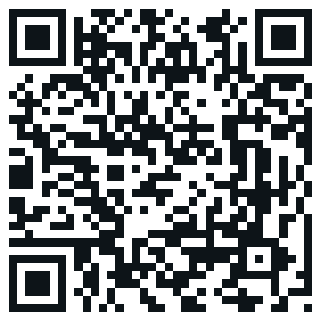
A clean website QR for posters, packaging, and storefront discovery.
WiFi
Connect to WiFi
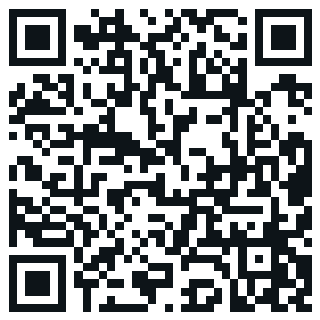
A fast access QR for guest desks, tabletops, and hospitality spaces.
Contact
Save Contact
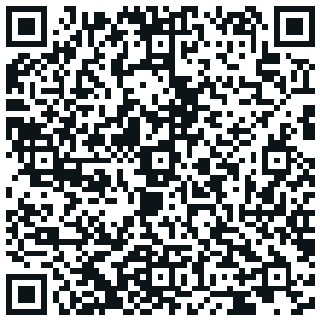
A polished contact QR for business cards, packaging, and onboarding kits.
Location
Open Location
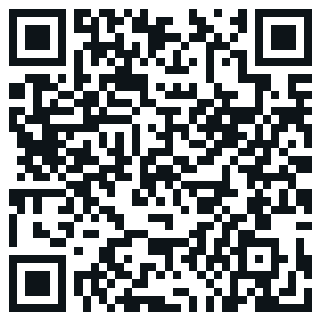
A quick location QR for events, counters, and real-world destinations.
Chat on WhatsApp
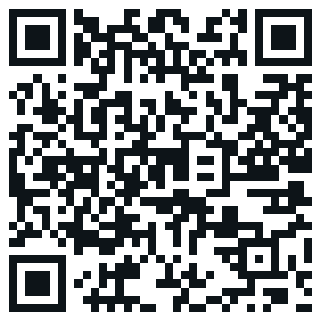
A conversation-ready QR for support desks, delivery inserts, and quick follow-ups.
Video
Watch Video
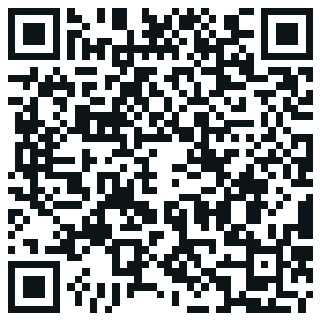
A sharp video QR for promo stands, demos, and launch displays.
Instagram Profile
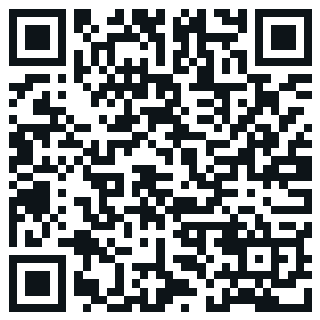
A social follow QR for packaging, creator kits, and storefront prompts.
What QRCraft is, and who it's for
QRCraft is a QR code editor and dashboard for teams and individuals who need more than a single black-and-white square. Build website, WiFi, contact, email, SMS, maps, video, image, and social profile QR codes from one editor, style them with dot shapes, corner styles, colors, gradients, and a logo, and keep them organized in a dashboard instead of scattered across old export folders. It fits anyone printing codes for menus, posters, packaging, business cards, or event signage, whether that is a single code or a small library of them. A free account covers the basics of creating and saving codes, and the Pro and Business plans add the editing, styling, and tracking features built for codes that need to keep working after they go to print.
How it works, in three steps
Start by choosing a QR type, from a website link to a WiFi network to a contact card, and enter the content in the editor. Next, style it: pick a dot and corner shape, set colors or a gradient, and add a logo if your plan includes it, with a live preview updating as you go so you can check the result before committing to it. Finally, save it to your dashboard, where it is ready to download as a full HD export for printing, and where routed codes can be tracked and, on paid plans, edited later without touching the printed copy.
Why dynamic codes and scan tracking matter
A printed code cannot be un-printed, but a routed one can still change what it points to, so a moved event or a revised menu does not force a reprint. Scan tracking works the same way: an aggregate count on your dashboard shows whether a routed code is actually getting used, without needing to guess. Neither feature applies to directly encoded types like WiFi or contact cards, since those hold their content in the pattern itself rather than a link. Both routed editing and scan tracking live on the Pro and Business plans, alongside a free tier for getting started and trying the editor.
Guides
FAQ
Do I need an account to create a QR code?
Yes. QRCraft requires a free account to create and save QR codes, and every plan, including the free one, has usage limits.
What kinds of QR codes can I make?
Website links, WiFi networks, contact cards, email drafts, text messages, maps locations, videos, images, custom links, and social profile links such as Instagram or WhatsApp.
Can I change a QR code's destination after I print it?
For routed types like a website, maps, video, image, or custom link, yes, on the Pro and Business plans. Directly encoded types like WiFi and contact codes cannot be edited after saving.
Can I add my own logo and colors to a QR code?
Yes, with dot and corner shapes, gradients, and logo upload available on the Pro and Business plans. A free account saves codes with the default styling.
Does QRCraft track how many times a code was scanned?
For routed QR types, an aggregate scan count appears on your dashboard, on the Pro and Business plans. Directly encoded types are not counted.
Is there a free plan?
Yes. A free account can create and save QR codes with usage limits. Styling, logo upload, destination editing, and scan analytics are part of the Pro and Business plans.